Kestrel
Every connection in view, data collectors blocked.
Kestrel shows every connection your programs make, quietly blocks data collectors and asks only when it really matters.
- macOS 13+
- Windows 11· in preparation
- Linux (.deb)· in preparation
Features
Data collectors are blocked before they send anything.
Kestrel quietly blocks trackers, advertising and vendor telemetry without asking. The lists come from HaGeZi and are fetched straight from the source once a day. You choose how strict Kestrel is with the levels Normal, Strict and Hardcore.
- domains in Hardcore
- 786,000
- check time per connection, measured
- 0.1 µs
- levels: Normal, Strict, Hardcore
- 3
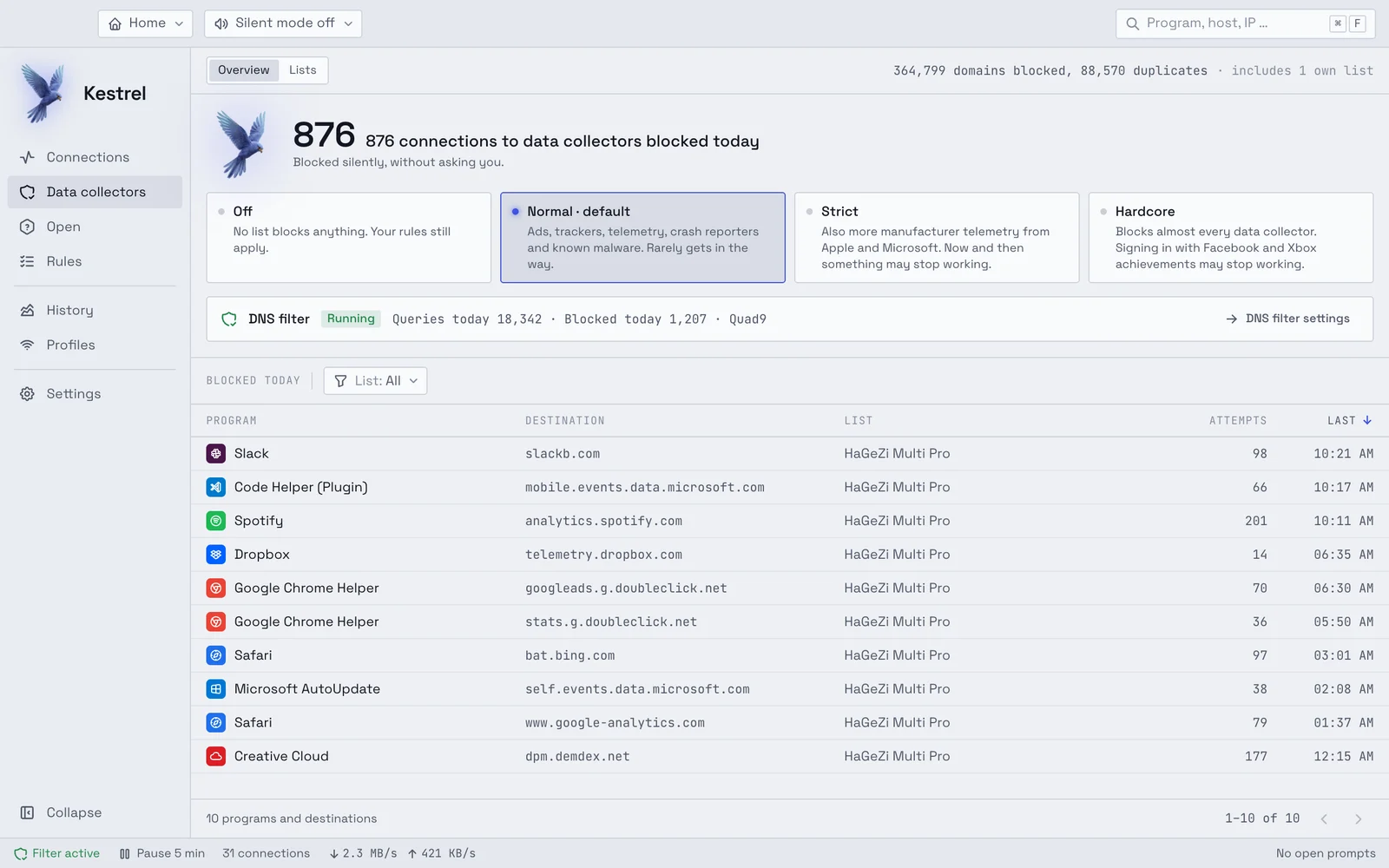
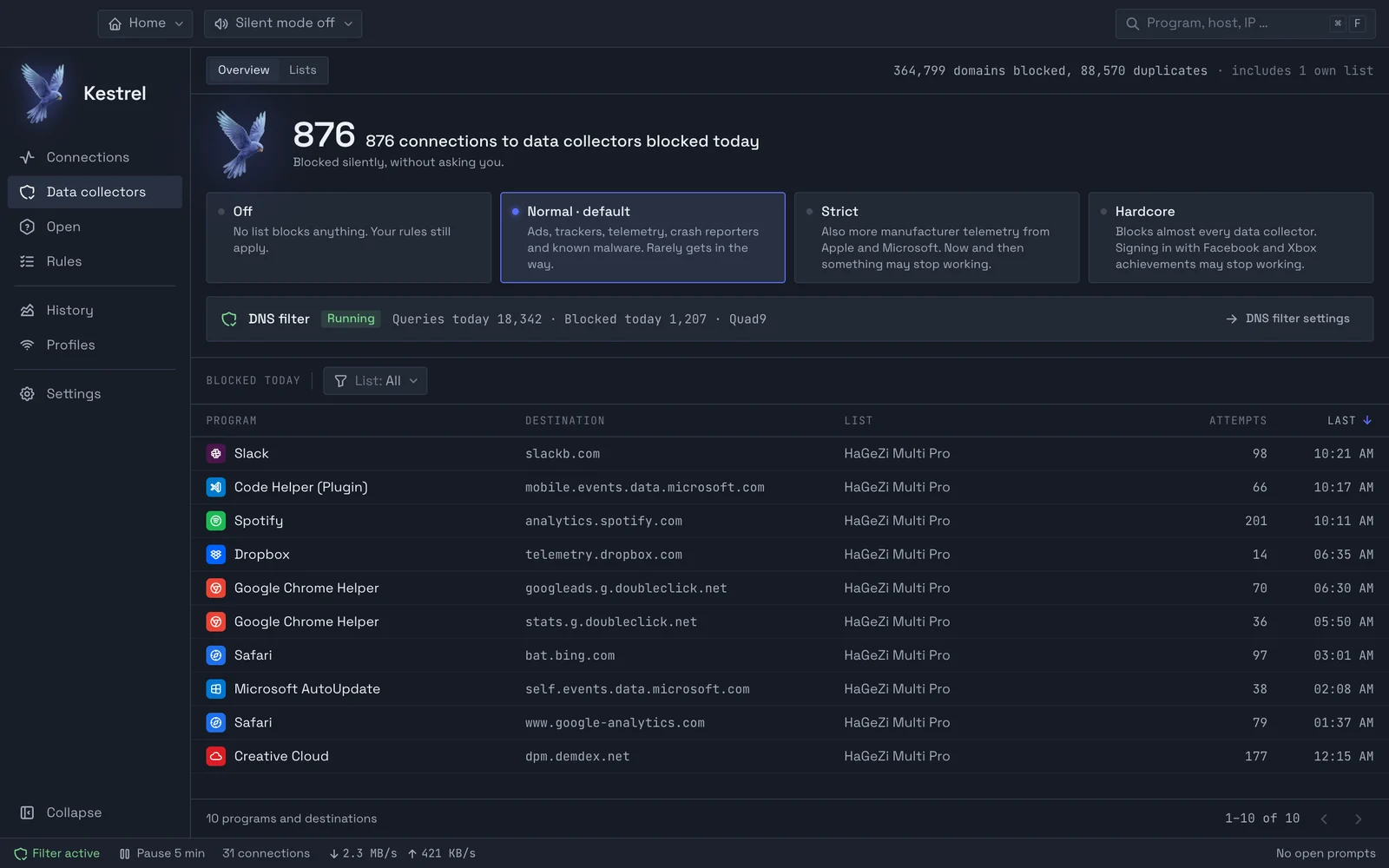
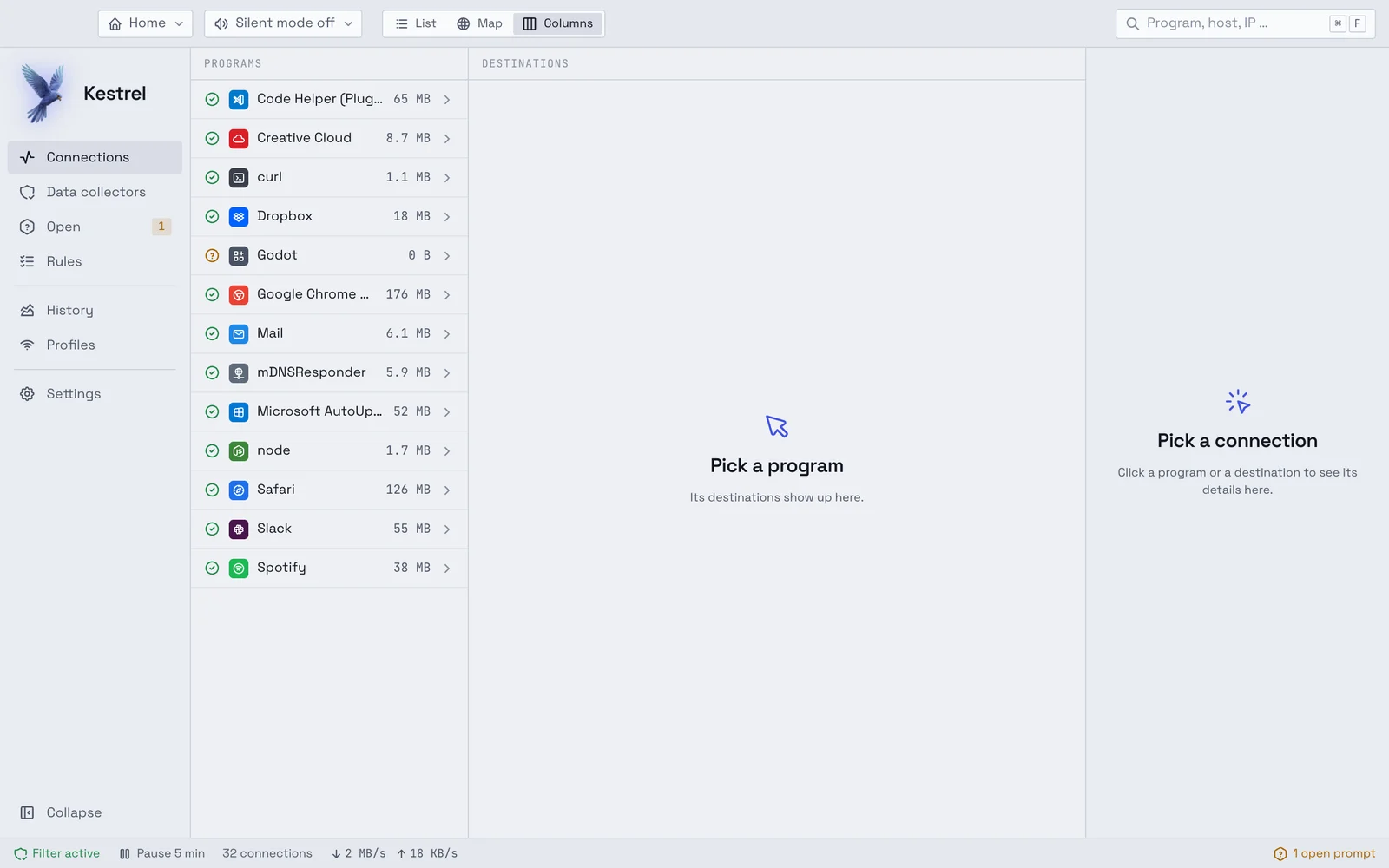
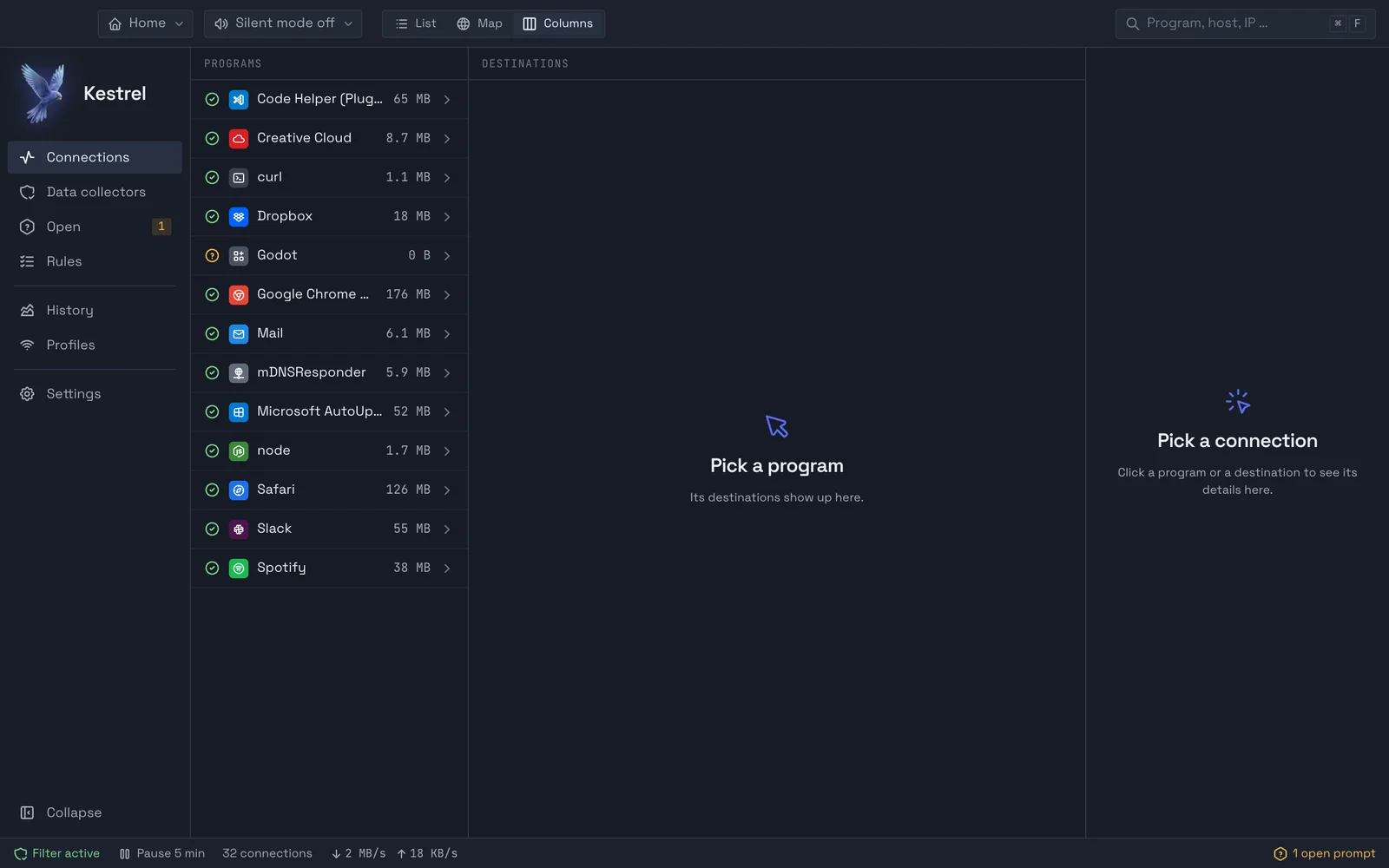
You see which program connects where.
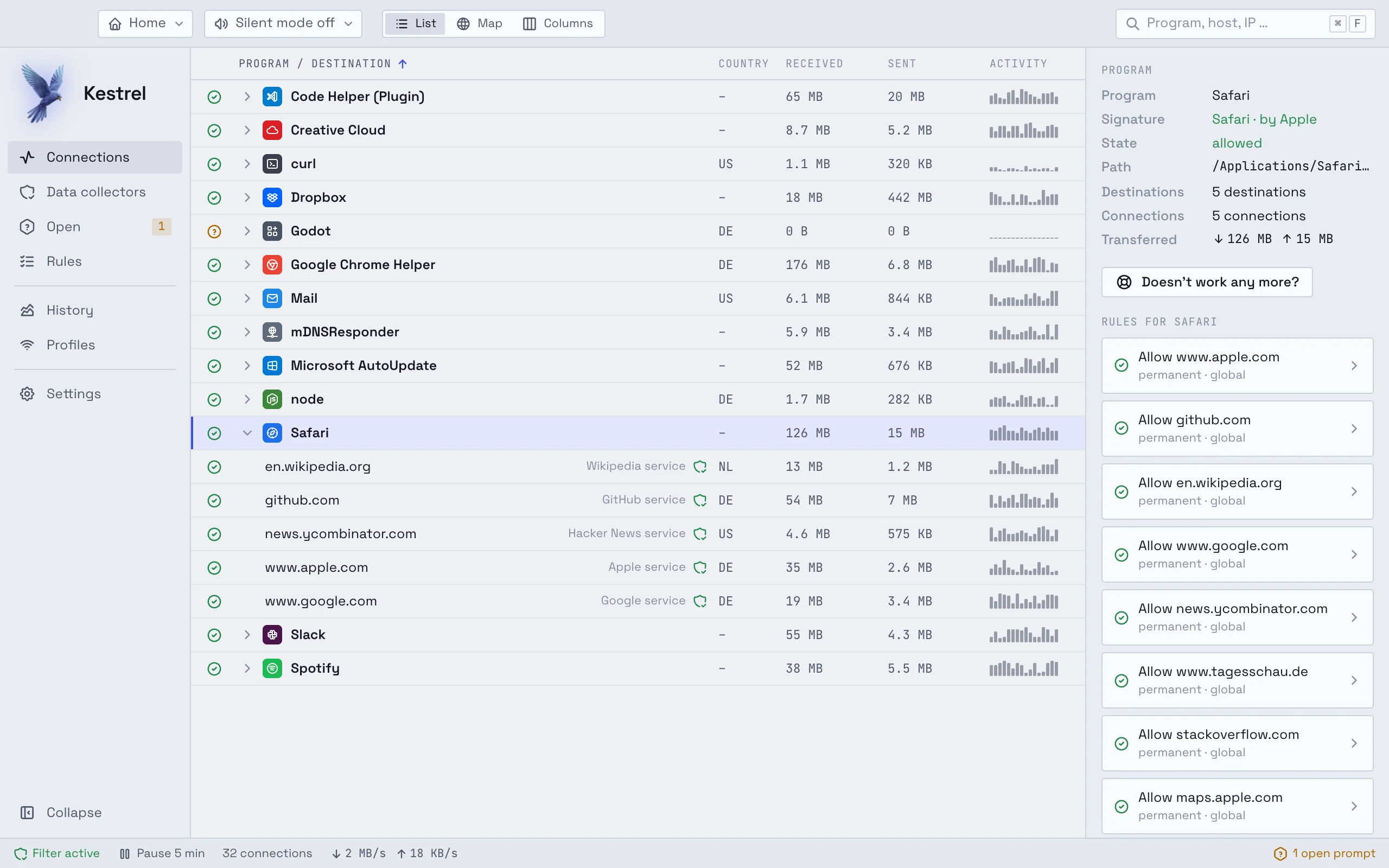
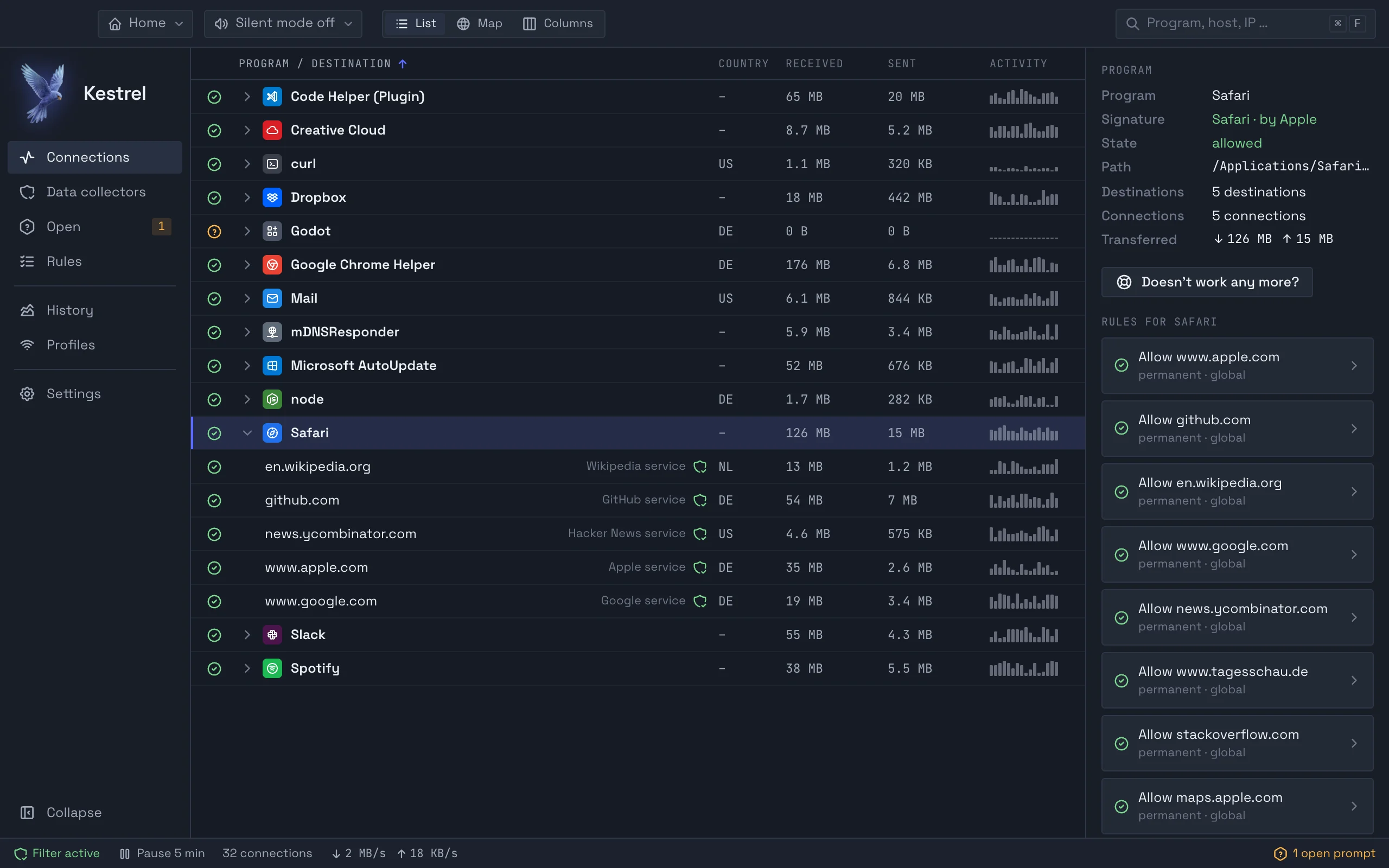
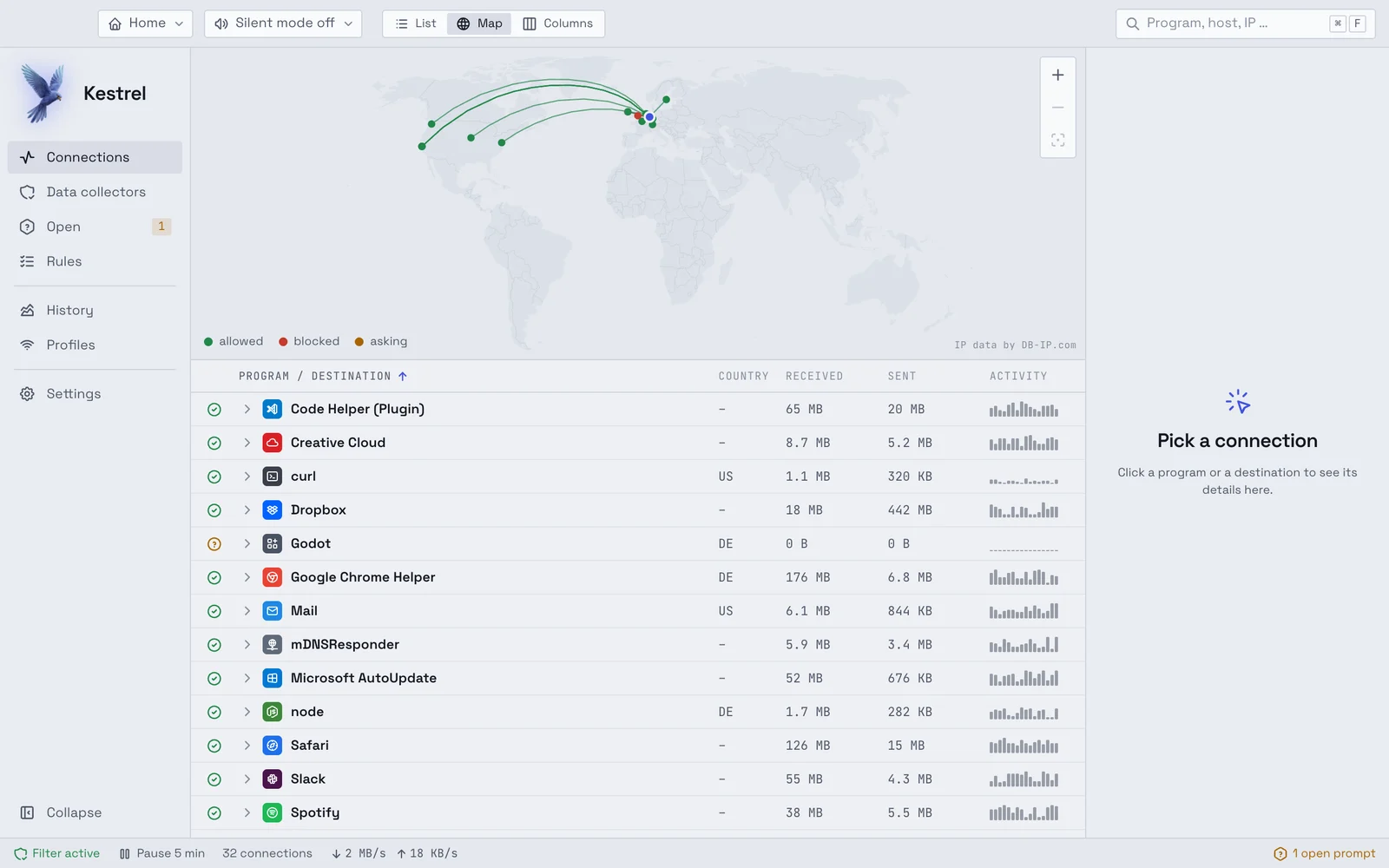
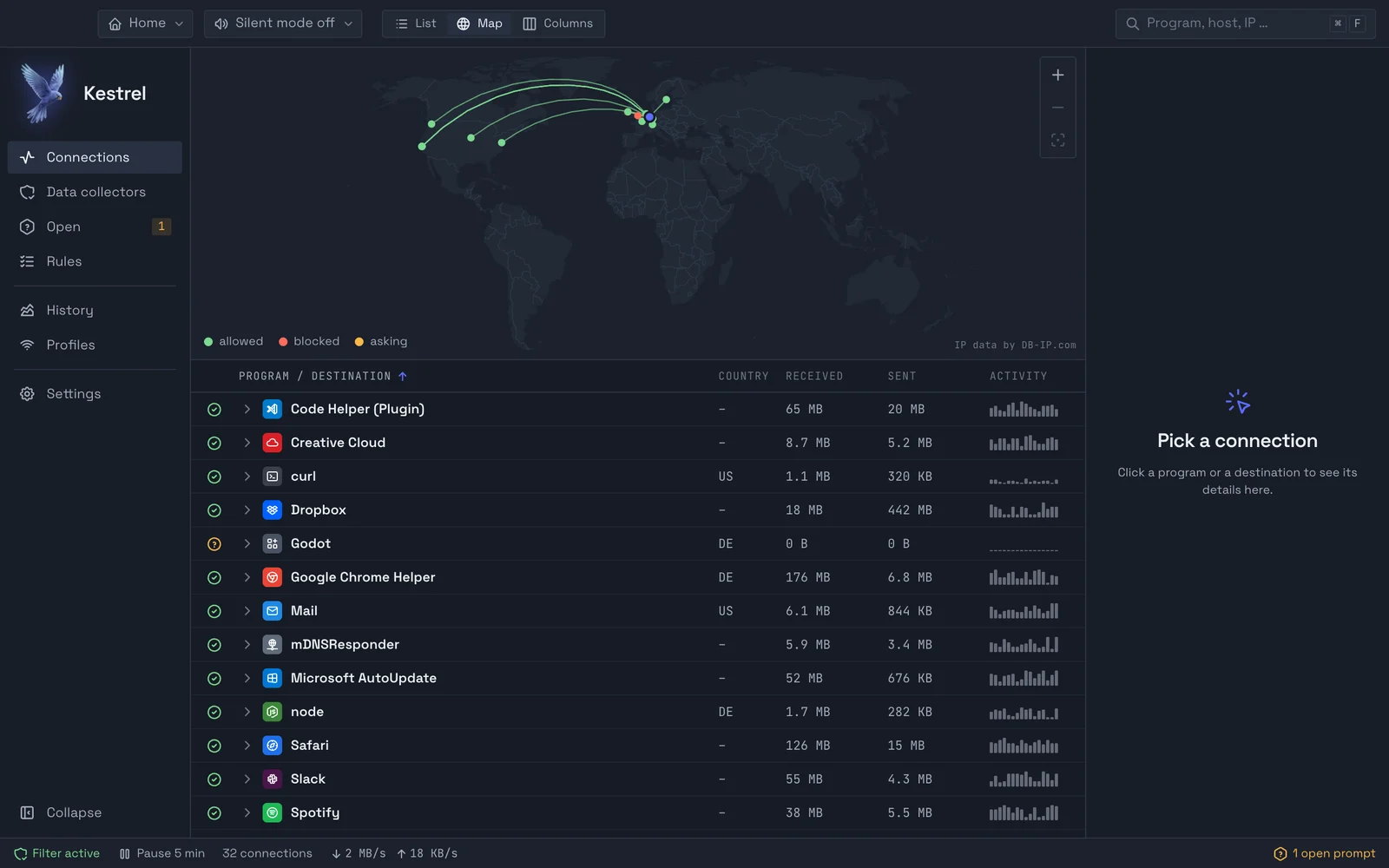
Kestrel lists every connection by program, with destination, country and the data received and sent. You switch between list, map and columns. The details name the host, address, operator, signature and the rule that currently applies.
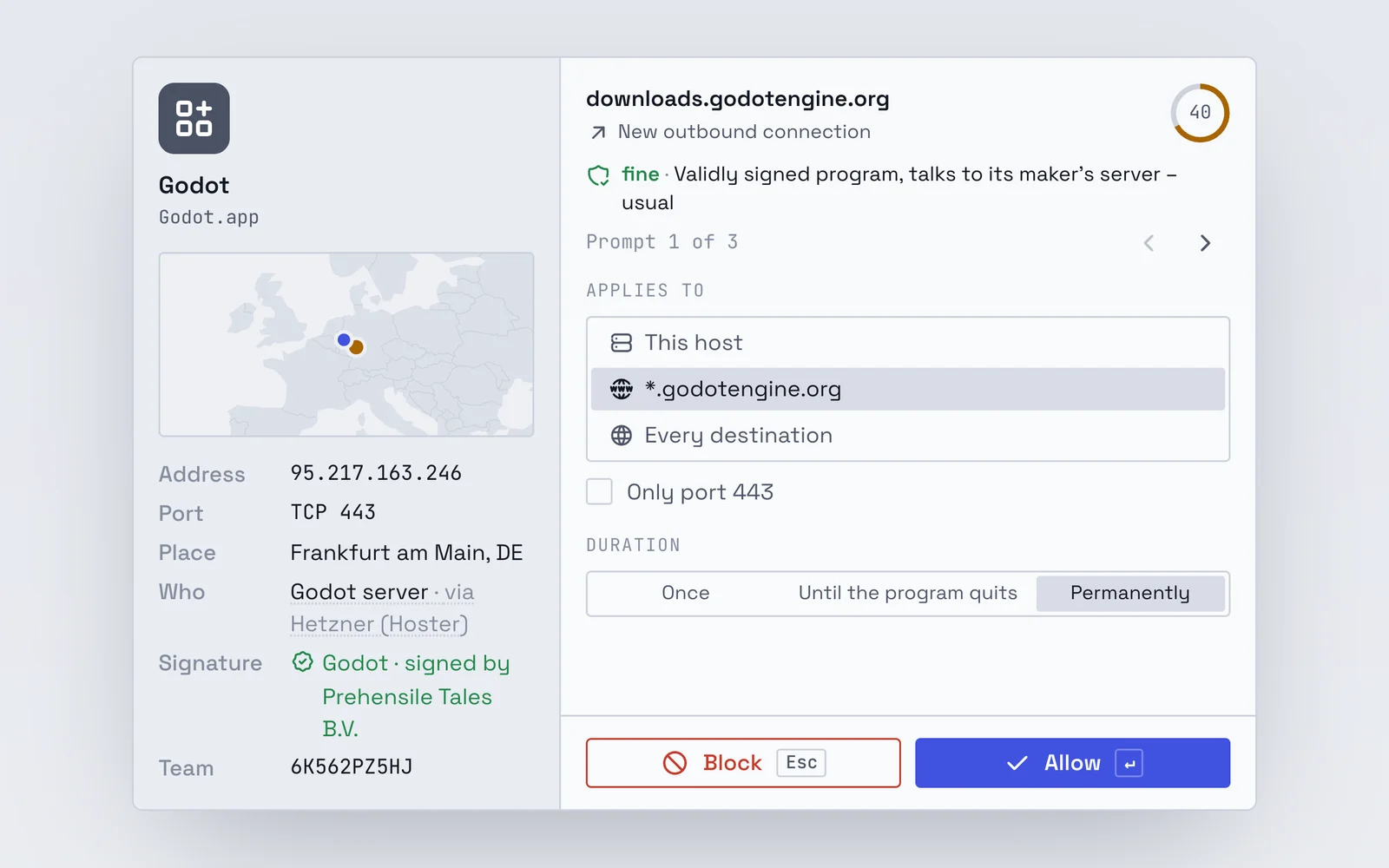
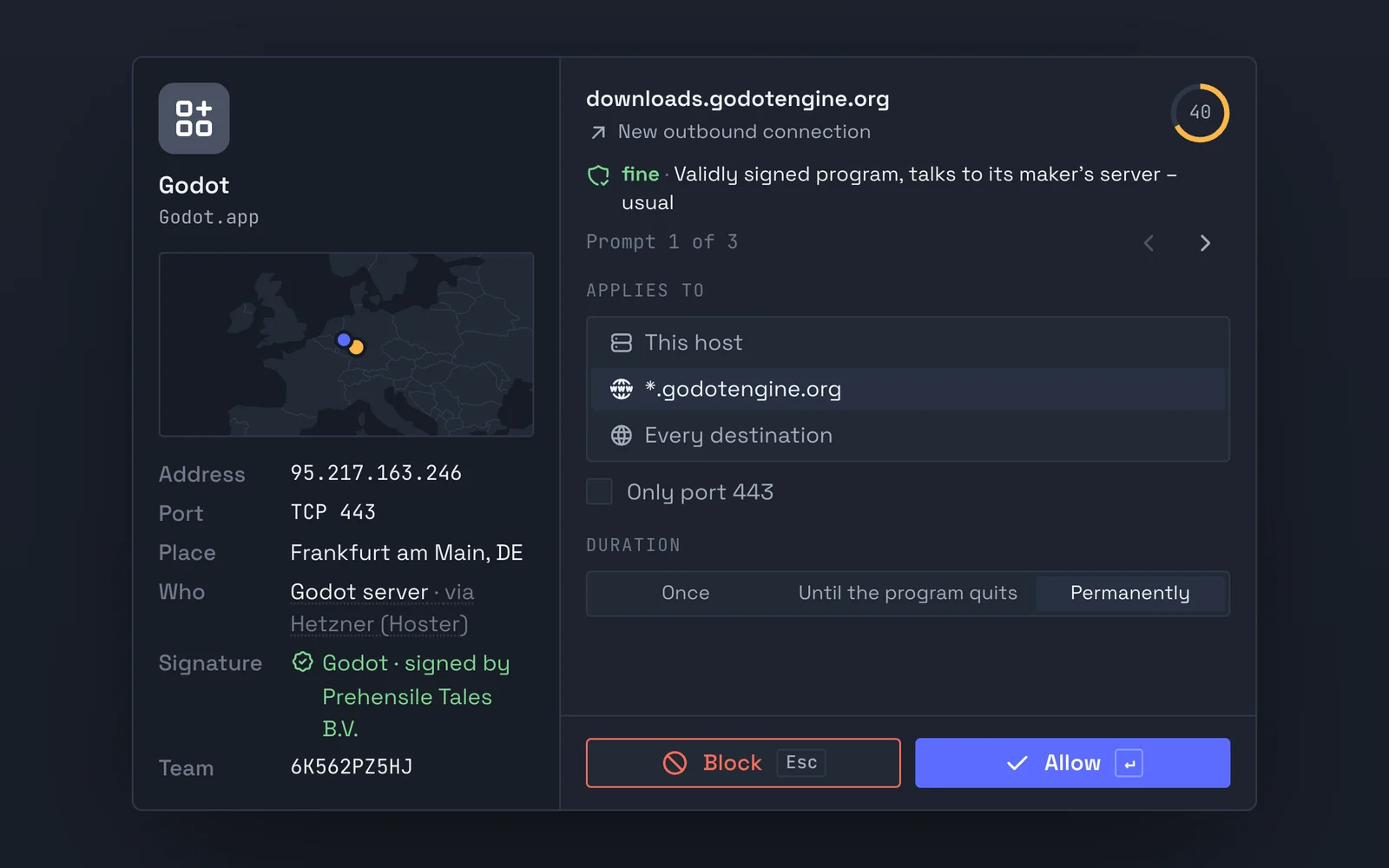
Kestrel asks rarely and explains in plain words what it is about.
Programs from Apple run without a question. Kestrel asks about a validly signed program once; after you allow it, its further destinations pass without asking. Only programs without a valid signature are asked about for every new destination. The prompt names who runs the server and who signed the program.
On macOS, prompts need the system extension, which comes with the signed build. Until then Kestrel watches every connection and blocks data collectors through its DNS filter.
The map shows which countries your data goes to.
Arcs lead from your location to every active destination, coloured by allowed, blocked and asking. A click on a dot selects the connection. The location data lives inside the app, so no address leaves your computer.
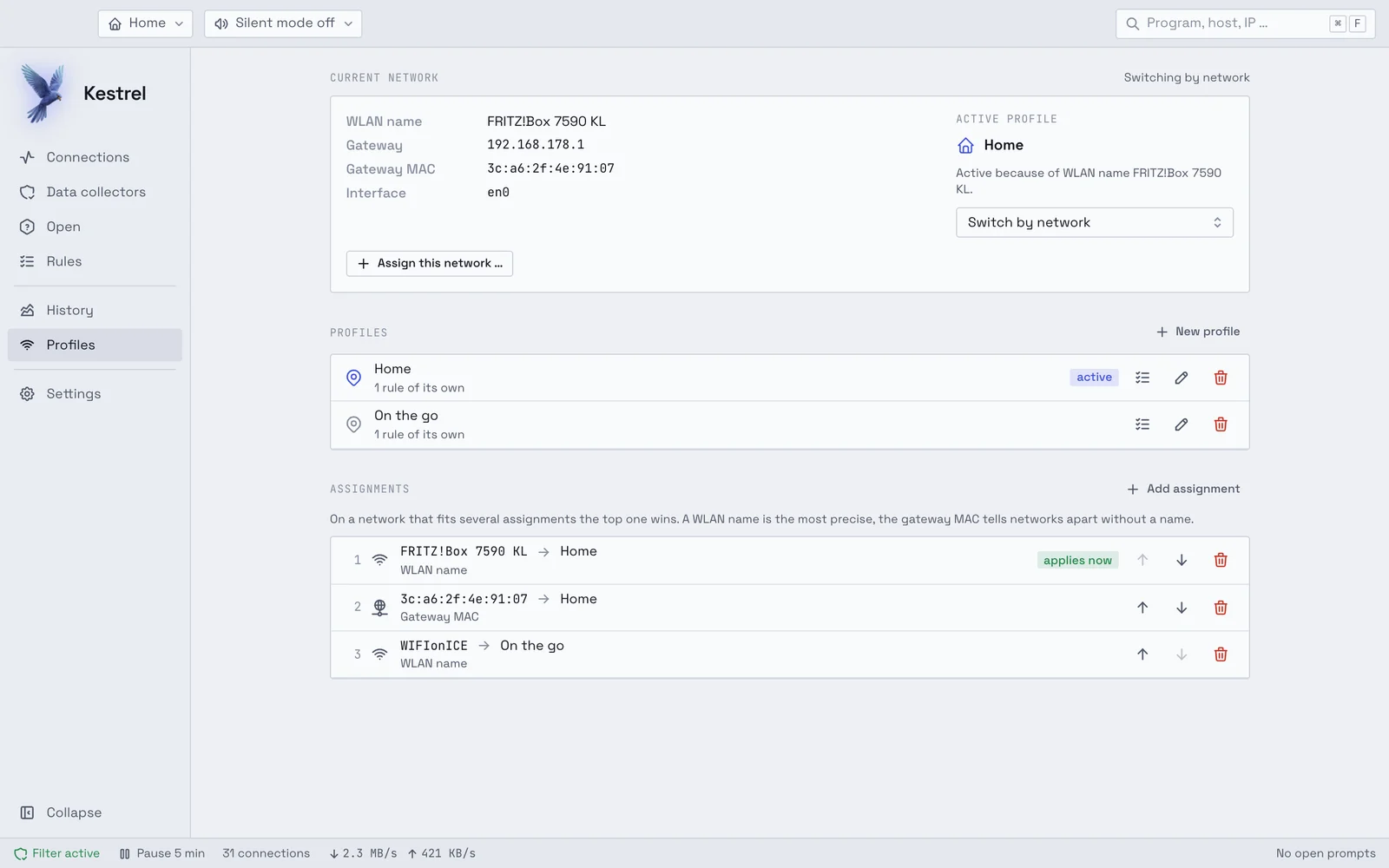
Each network has its own set of rules.
You create profiles such as Home, On the go or Public Wi-Fi and assign networks to them. Kestrel switches the profile by itself as soon as you join one of these networks. Each rule applies to all profiles or to just one.
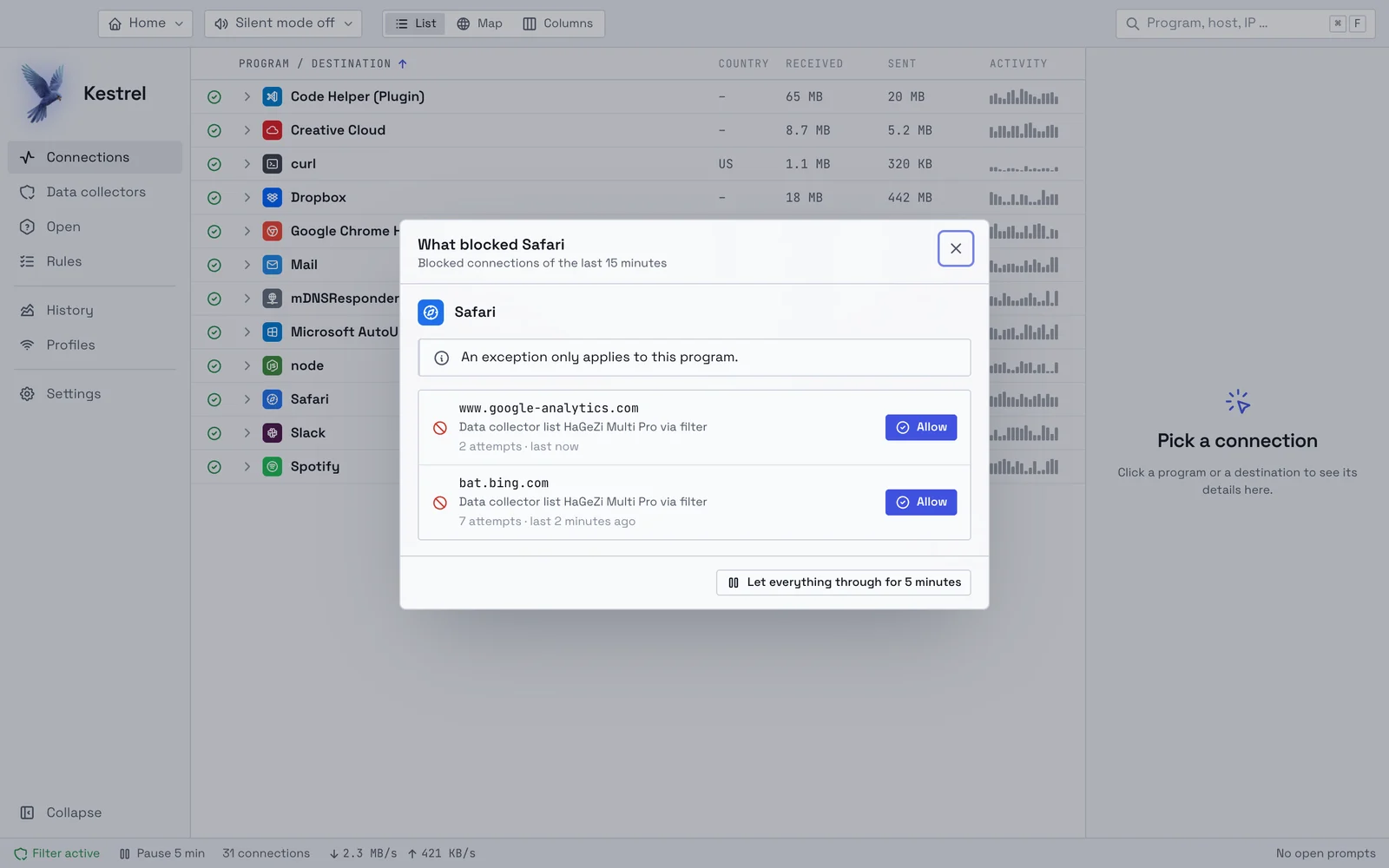
When a program stops working, Kestrel shows why.
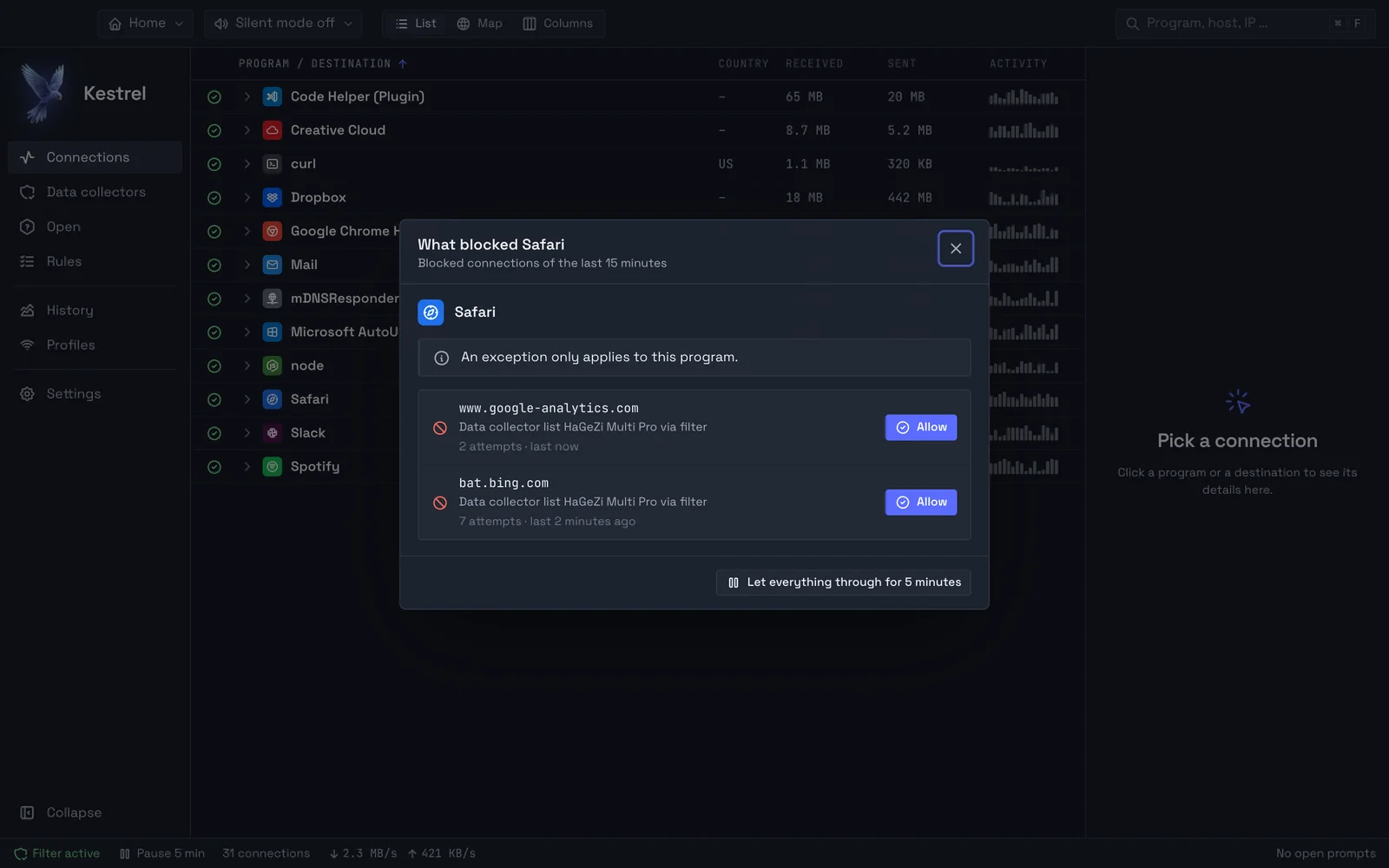
“Doesn’t work any more?” lists what Kestrel blocked for a program in the last minutes and names the list or rule behind it. One click allows a single destination. If that is not enough, a pause lets everything through for five minutes, after which everything is as before.